
- 1
Choose Events at the top of any page.
the events list. The next big event is at the top, with Open the conference to go straight to it.
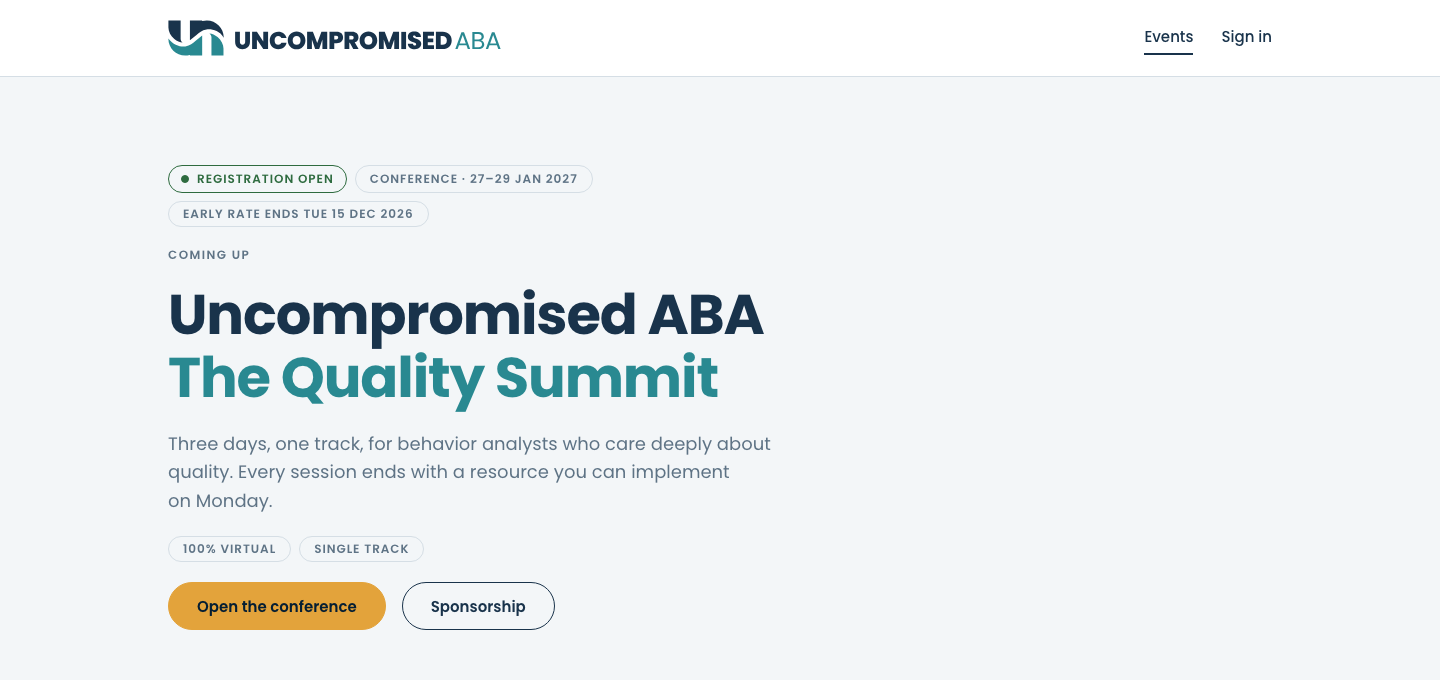
The next event first. The top of the list always features the event coming up next. - 2
Scroll to Every event, past and planned. Type a name or a year into Search events by name or year and press Enter.
only the events that match, and a line such as "Showing 1 of 3 events."
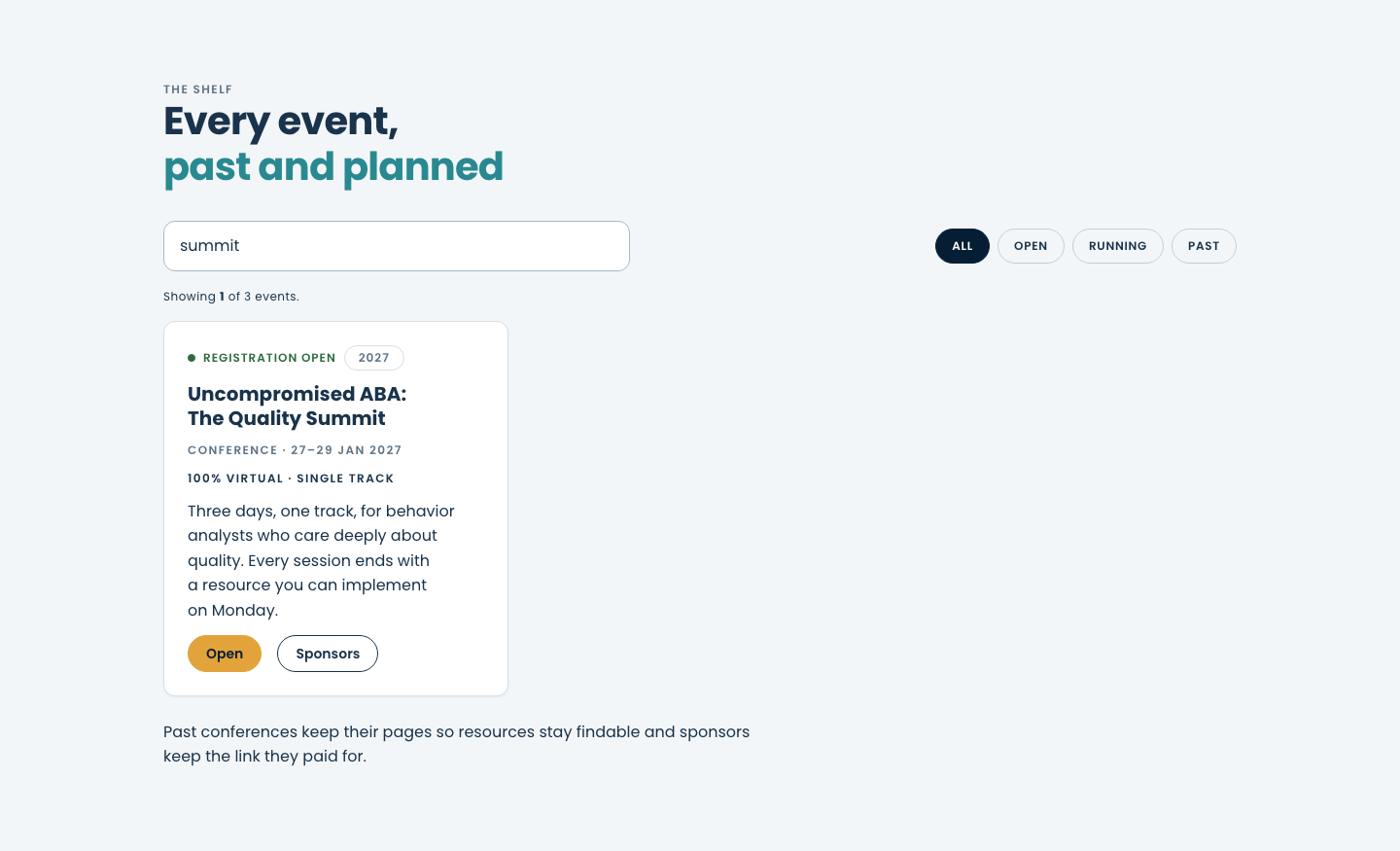
Search by name or year. Clear the box and press Enter to see every event again. - 3
To narrow the list instead, choose a filter: All, Open (registration open), Running (happening now) or Past.
the chosen filter dark, and the count updated.
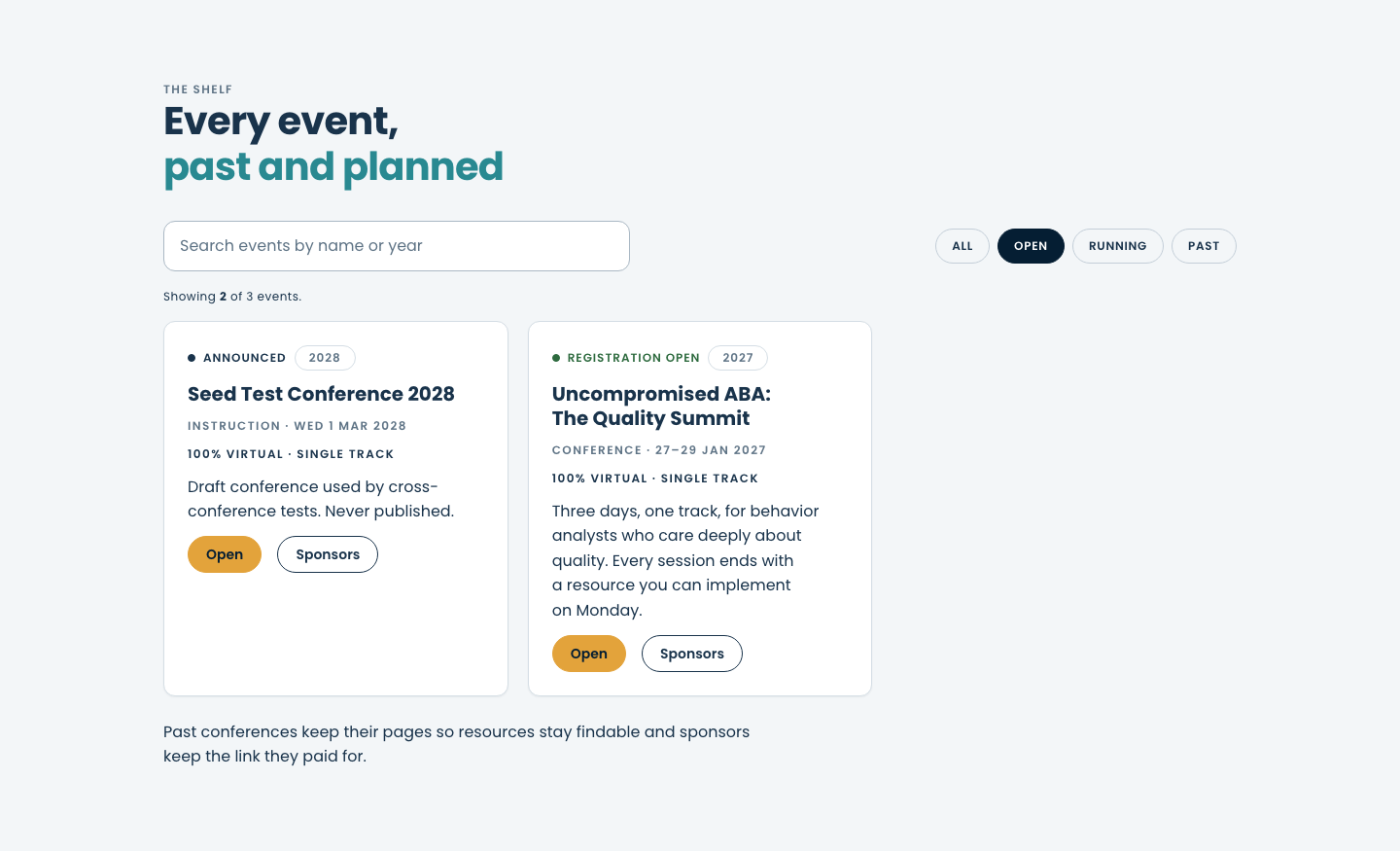
Filters keep past events findable. Past events keep their pages, so their resources are still there. - 4
On the event you want, choose Open.
the event's home page: its name and dates, and a menu under the site header with Agenda, Speakers, CEUs, Sponsors, Resources and FAQ.
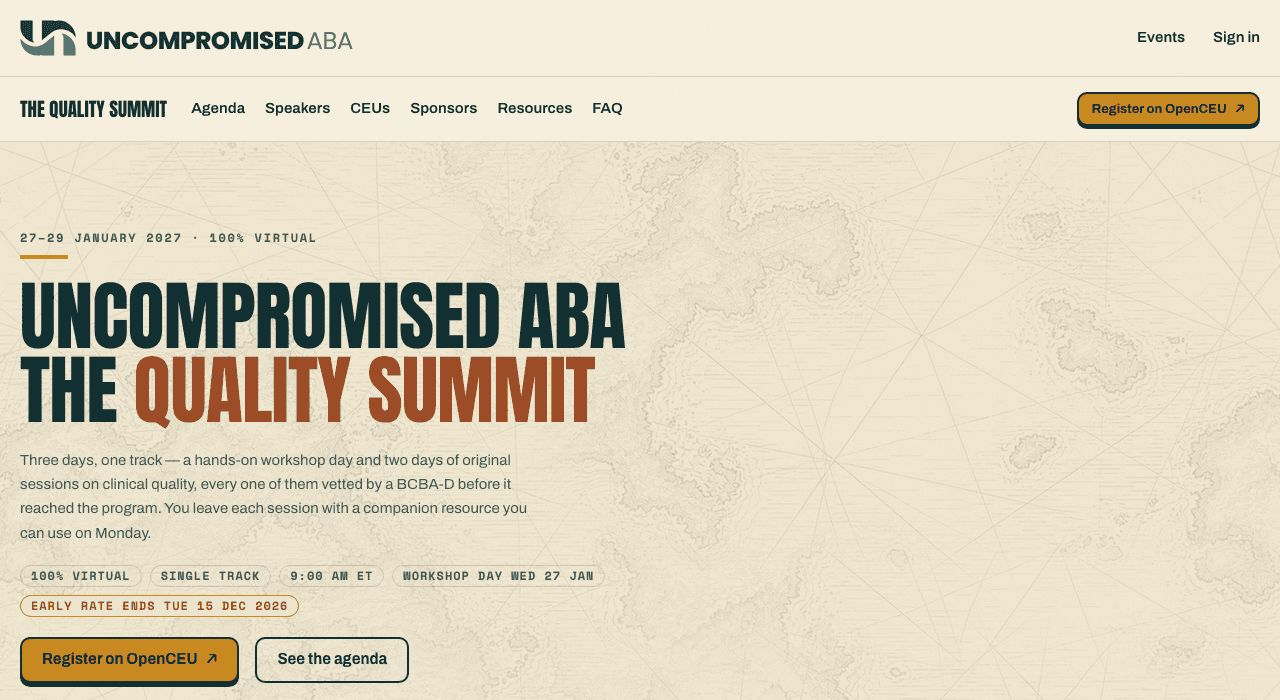
The event menu. It stays the same on every page of the event, so you can always get back. - 5
Choose Agenda in the event menu. Speakers, CEUs, Sponsors and FAQ work the same way.
the page scrolls down to that section. Every time is labeled in its time zone.
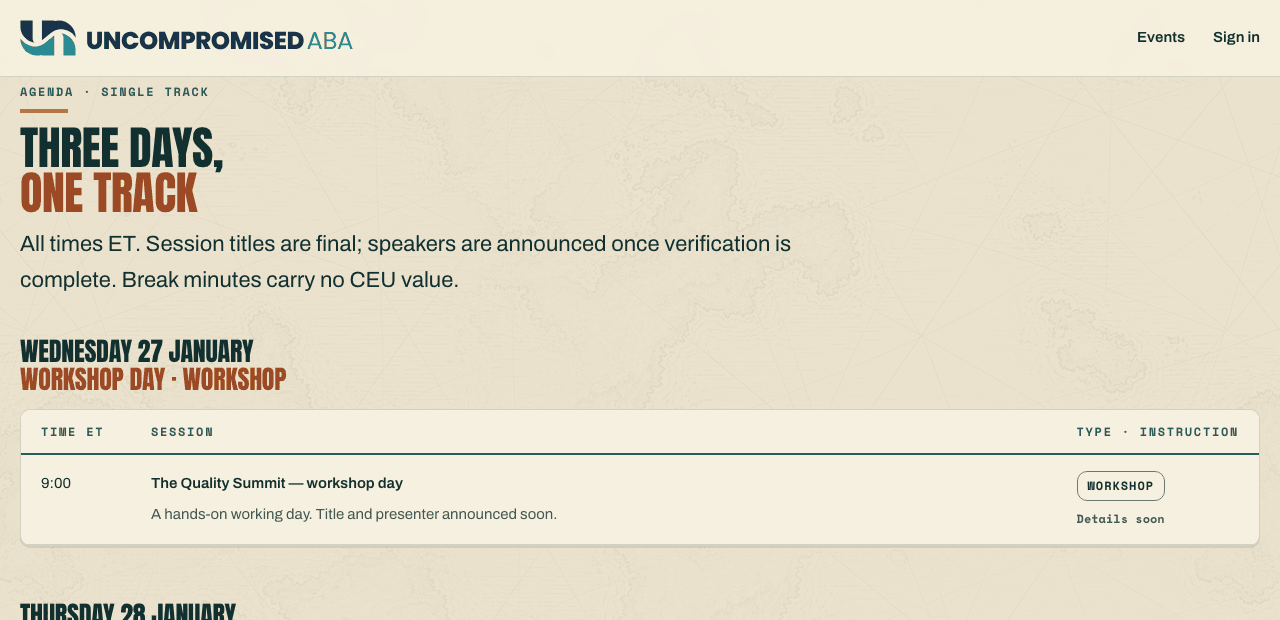
A section of the same page. Scroll back up, or use your browser's Back button, to return to the top. - 6
Choose Resources in the event menu.
the event's Resources page: one card per session resource, each with its state, such as Locked.
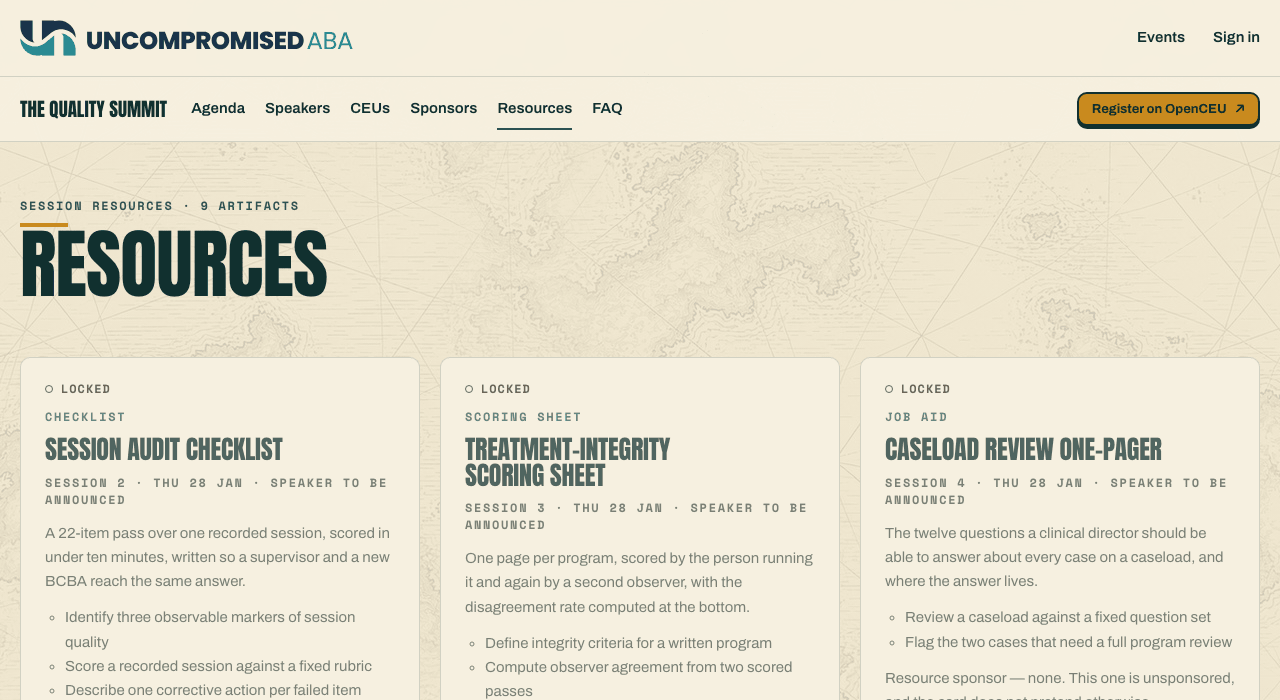
Anyone can see what is coming. Opening a resource needs a pass for the event: see Open the resources for your event.
Another way in: the home page calendar
- 7
On the home page, choose See what’s coming up, or scroll to Coming up. Choose an event’s name, or its button: Save your seat, Learn more or Notify me.
that event's page, or its sign-up for news when registration isn't open yet.
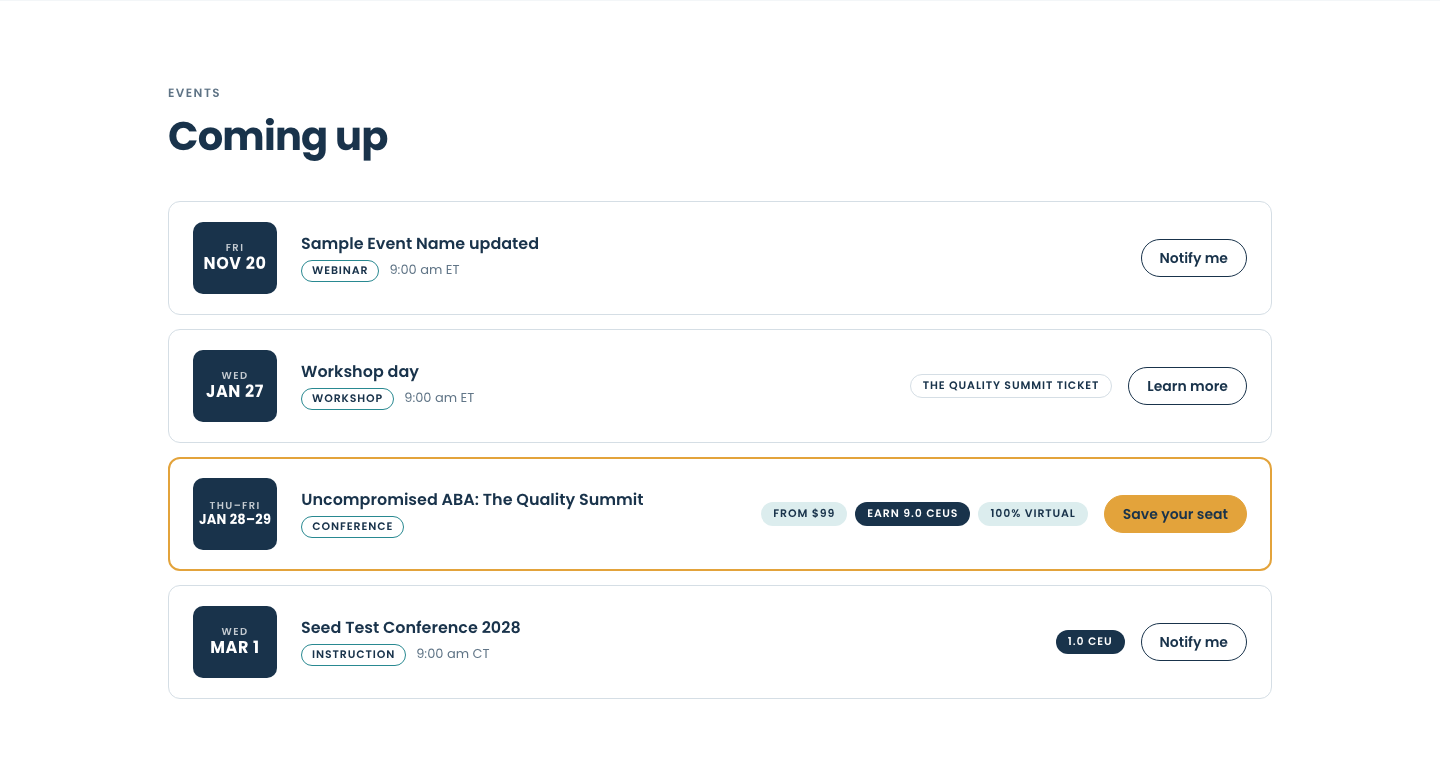
Every event by date. A day that belongs to a bigger event links to that day, and shows which ticket covers it.
If something looks wrong
| What you see | What it means | What to do |
|---|---|---|
| An event you expected is not in the list | A search or a filter is still on. | Clear the search box and press Enter, then choose All. |
| "Showing 0 of …" | Nothing matches your search. | Try fewer words, or just the year. |
| Details soon in the agenda | The session is planned but its title or speaker is not announced yet. | Check back later. The agenda updates on the same page. |
| A resource card says Locked | Resources open for people registered for the event, and some open only when the organizer releases them. | See Open the resources for your event. |
| That page isn't here | The address was mistyped, or the event moved to a new address. | Choose Events and find it in the list. |
Still stuck?
Email us and tell us the address you sign in with and what you were trying to do.