
Part A — Register
- A1
Open the event's page (Find an event and what's in it) and choose Register on OpenCEU. It is on the right of the event menu and under the event's name.
OpenCEU in a new tab. The event page stays open in the first tab.
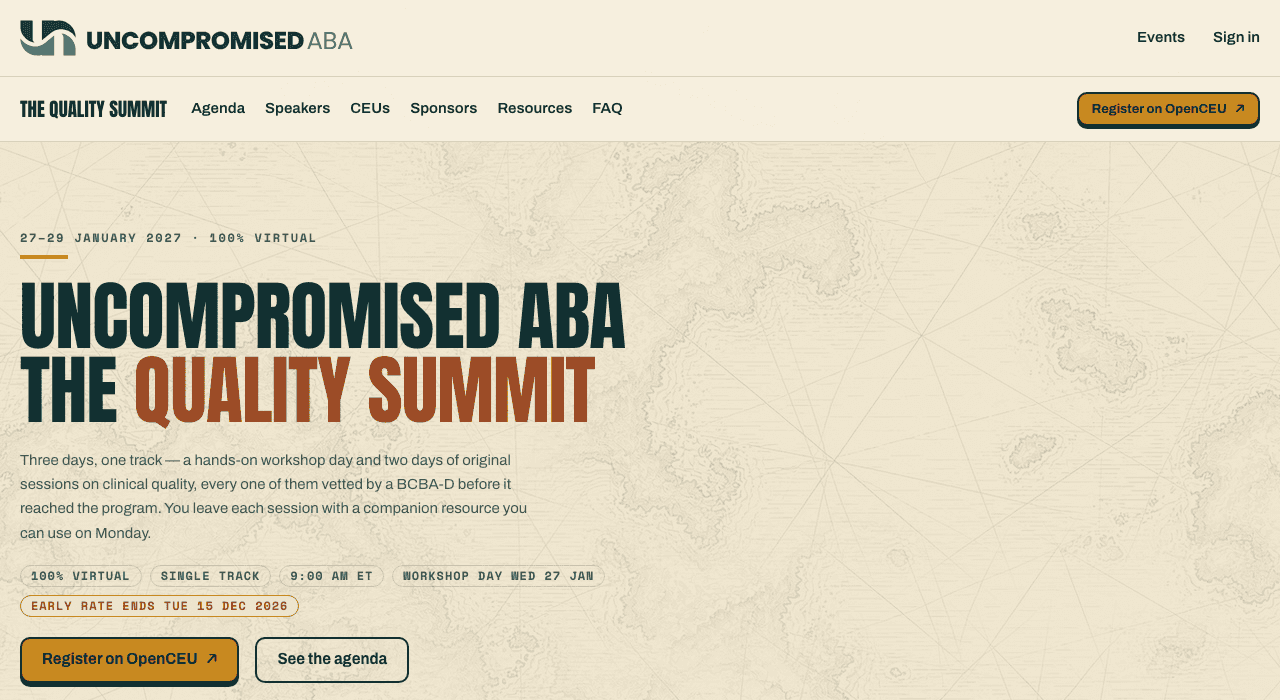
Two of the places it appears. The small arrow means the button opens another site in a new tab. - A2
To compare rates first, scroll to Pricing and choose Register on OpenCEU under the rate you want.
the same OpenCEU registration, in a new tab.
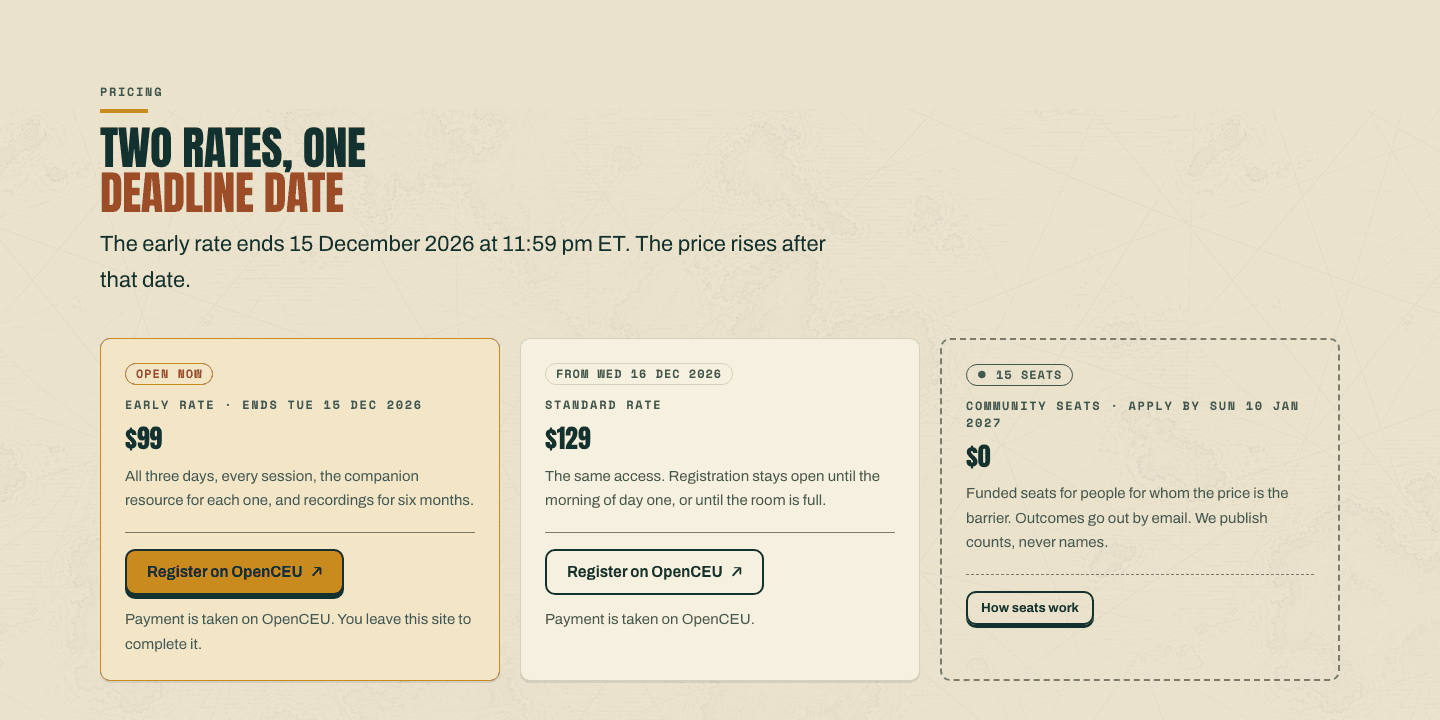
Each rate says what it costs and until when. The rate is chosen and paid on OpenCEU. 
And once more at the bottom. Every Register button on the page leads to the same place. - A3
On OpenCEU, register and pay with the email address you will use to sign in here.
a confirmation from OpenCEU. Your certificate will come from OpenCEU too.
Part B — Registration isn't open yet
- B1
On an event with no registration yet, the button says Notify me instead. Choose it.
Registration isn’t open yet, with a box for your email address.
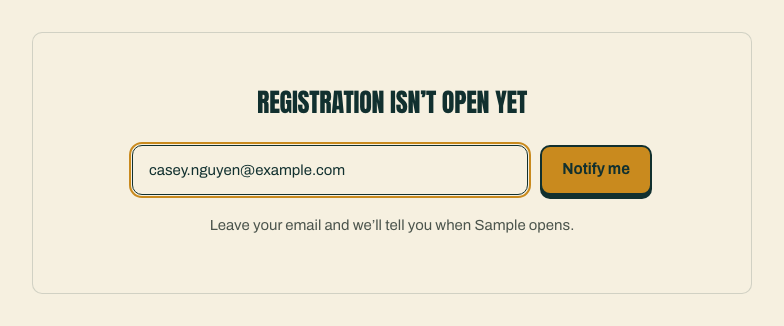
One email, when it opens. Nothing else is sent to this address. - B2
Type your email address and choose Notify me.
"Check your inbox to confirm." under the box.
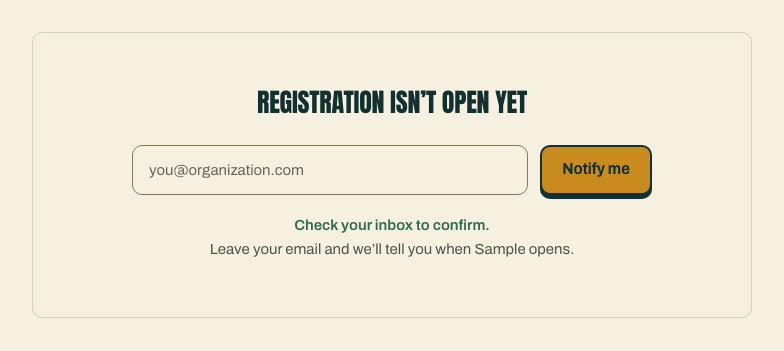
Not signed up yet. You are added only after you confirm from the email. - B3
Open the email Confirm event announcements and choose Confirm. On the page that opens, choose Confirm my email.
You’re subscribed.
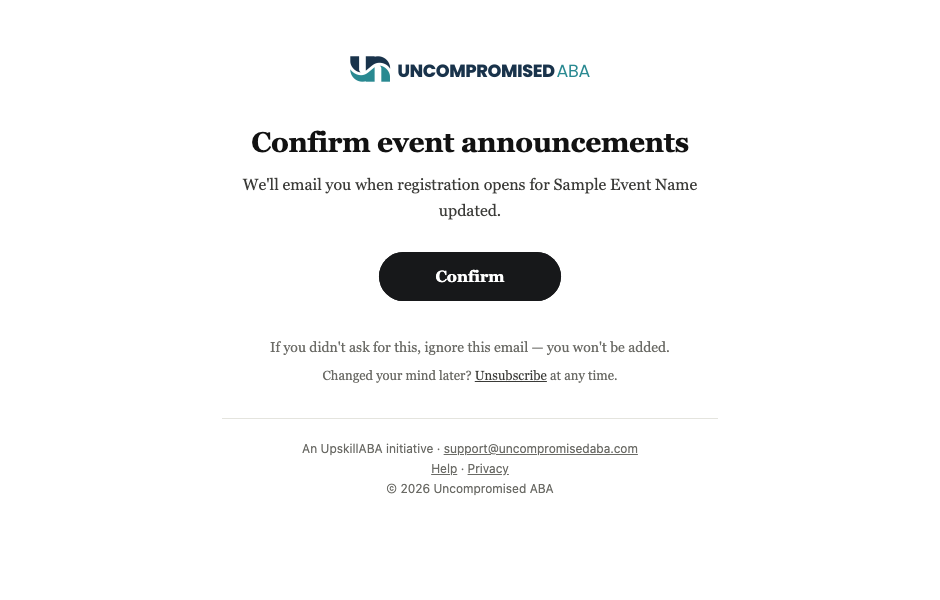
The confirm email. Didn't ask for it? Ignore it and nothing happens. 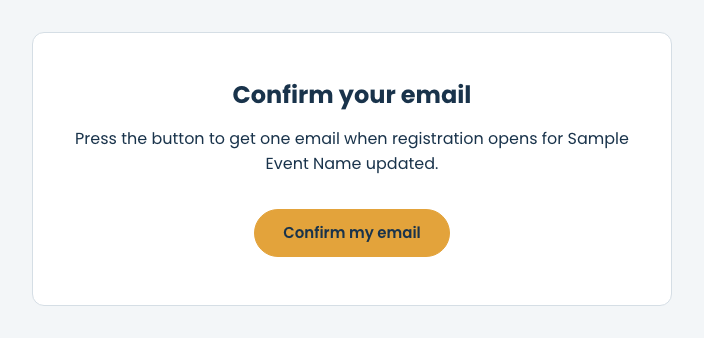
One more press. Opening the link alone changes nothing. 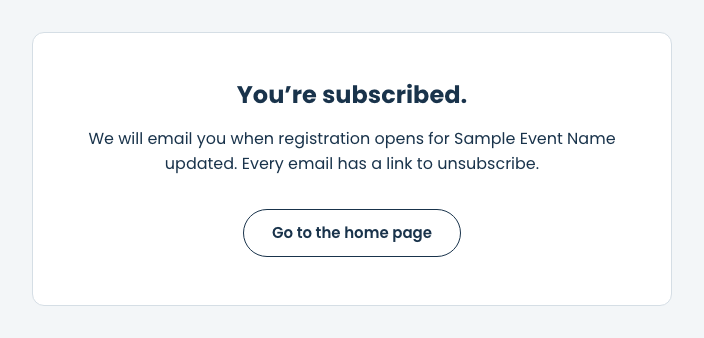
Done. When registration opens we email you once. Then follow Part A.
Part C — You're registered
- C1
After you register, sign in with the same email address and open the event's page.
You’re registered where Register on OpenCEU used to be. It appears once your registration has been imported from OpenCEU.
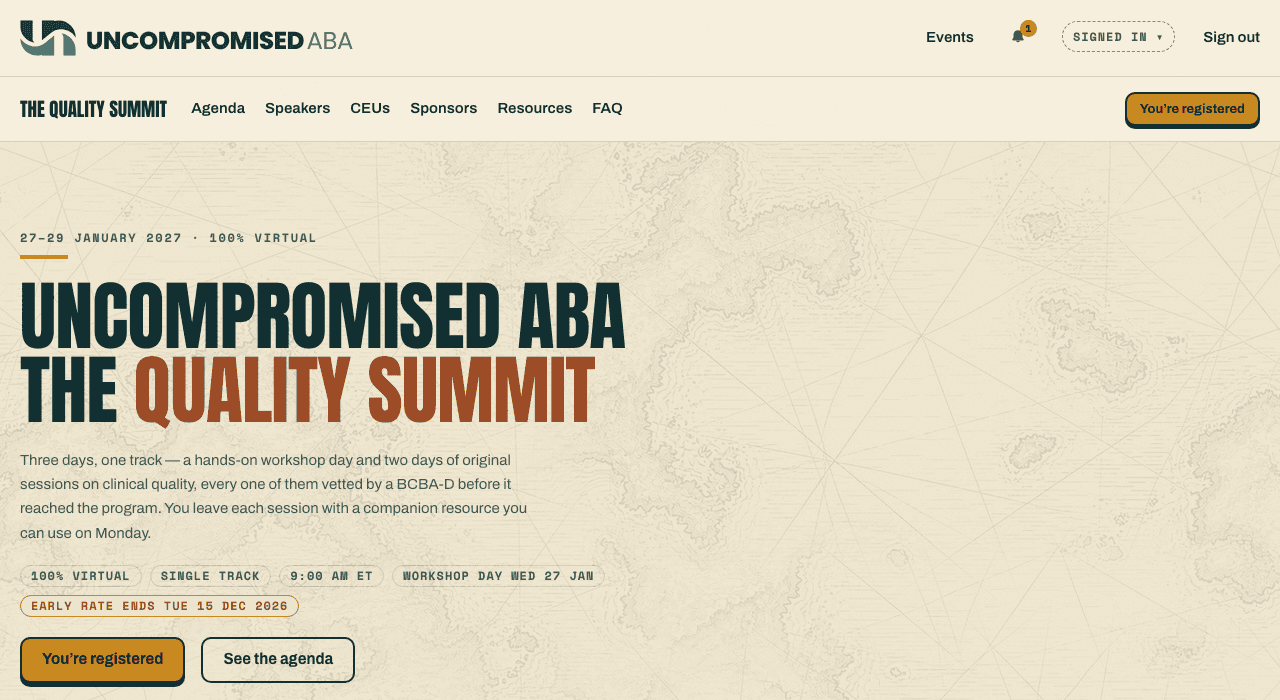
Your pass is on file. The Register buttons on the event page now say this instead. - C2
Choose You’re registered.
your page for the event: the days your registration includes, and your resources below.
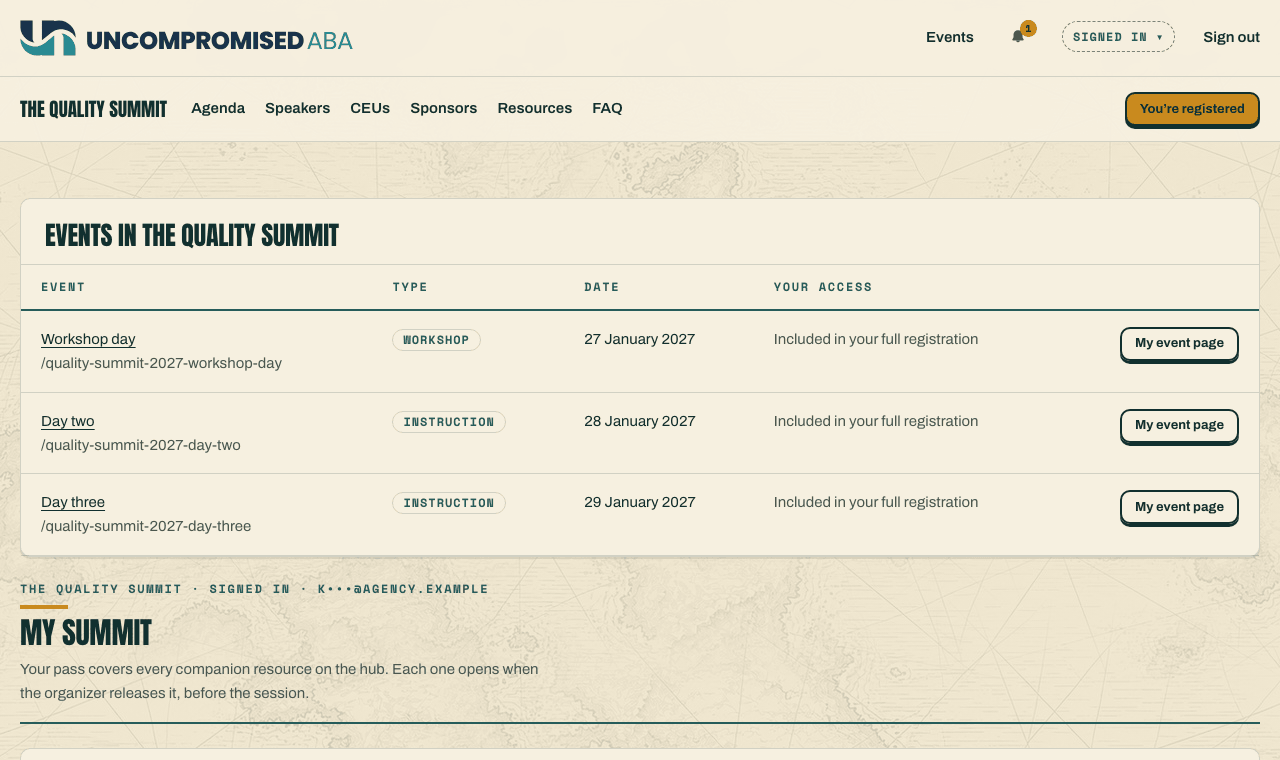
What your registration covers. Your resources are further down: see Open the resources for your event.
If something looks wrong
| What you see | What it means | What to do |
|---|---|---|
| Still Register on OpenCEU after you registered | You are signed out, signed in with a different address, or your registration has not been imported yet. | Sign in with the address you registered with. If it still shows after a day, email support@uncompromisedaba.com. |
| The event page seems to have gone after you chose Register on OpenCEU | OpenCEU opened in a new tab, in front of it. | Switch back to the first tab: the event page is still open there. |
| No Confirm event announcements email | Mail can take a minute or two, or land in spam or junk. | Check spam and junk for mail from no-reply@uncompromisedaba.com, then try Notify me again. |
| "Too many tries from here just now." | A lot of sign-ups came from your connection in a short time. | Wait a few minutes, then try again. |
| A question about payment, a refund or a certificate | Those are held by OpenCEU. | Use the contact details in your OpenCEU confirmation. |
Still stuck?
Email us and tell us the address you sign in with and what you were trying to do.